 For Everyone
7 Best Coupon Apps for Smarter Everyday Savings
by AIR.POG Team
You're commuting through an unfamiliar part of town when a nearby café advertises a limited-time offer. Is it worth taking the next exit, or would an online coupon, cash-back portal, grocery rebate, or community deal save more with less effort? The answer depends on how you shop and where the purchase happens.
The best coupon apps serve different moments. Some find nearby promotions while you're moving. Others automate online checkout, compare marketplace prices, activate portal cash back, surface grocery rebates, or monitor deals vetted by a community. This roundup compares discovery speed, checkout assistance, payout mechanics, coverage, location relevance, and redemption effort.
AIR.POG is the strongest choice when you want a live promotion near your current route or an unfamiliar destination. The other tools become more useful once you've chosen an online retailer, planned a grocery trip, or started tracking a digital deal.
Table of Contents
- 1. AIR.POG
- 2. PayPal Honey
- 3. Capital One Shopping
- 4. Rakuten
- 5. RetailMeNot
- 6. Ibotta
- 7. Slickdeals
- Top 7 Coupon Apps Comparison
- Build a Coupon Workflow That Fits the Trip
<a id="1-airpog"></a>
1. AIR.POG
AIR.POG is the featured choice for nearby, time-sensitive deal discovery. Instead of making you search through a long coupon catalog, its map-first progressive web app shows local promotions around your current location or a selected city, then connects discovery to navigation. That makes it a practical fit for commuters, drivers, tourists, students, families running errands, and bargain hunters who want to decide quickly.
You can adjust the search radius, browse offers on an interactive OpenStreetMap and CARTO map, open deal details, and route to a chosen venue with a short tap-to-route flow. The interface is designed for quick use at home, on the road, or while exploring a new area. Drivers should interact before moving or let a passenger handle the search, since no deal is worth distracted driving.
<a id="best-for-live-local-savings"></a>
Best for live local savings
AIR.POG's distinctive workflow is proximity first. Use the map to scan the neighborhood around your route, narrow or broaden the radius, select a listing, and open directions. POG REELS adds a short-form feed for live sales and time-sensitive offers, while POG'ODEX provides a browsable index of POG entries beyond the map.
Ask AIR.POG offers in-app guidance, and POGZILLA acts as an automated scout for notable nearby finds as you move. These features make the platform useful when you don't know which businesses are offering deals in an unfamiliar area.
Practical rule: Compare the value of the offer with the time and distance required to reach it. A nearby deal is useful because it fits the trip, not because every discount deserves a detour.
AIR.POG is delivered as an installable PWA, so you can add it to your home screen and use a full-screen, app-like interface without traditional app-store installation. A PWA needs a web app manifest to be installable, and PWAs are typically served over HTTPS, with many using service workers for offline behavior, as explained in MDN's PWA installation guidance.
The trade-off is coverage. Local results depend on merchant participation and available listings, so a rural or low-adoption area may offer fewer choices. Some native-app capabilities, such as consistent background location or push behavior across every platform, may also be limited.
AIR.POG is free for users, and creating a free account lets you save preferences. It states that location is used to show nearby deals and that user data isn't sold. Its map credits must remain visible, including “© OpenStreetMap contributors” and “© CARTO,” consistent with OpenStreetMap's tile attribution policy and OpenStreetMap community guidance on CARTO attribution. Try AIR.POG's live local deals map.
<a id="2-paypal-honey"></a>
2. PayPal Honey
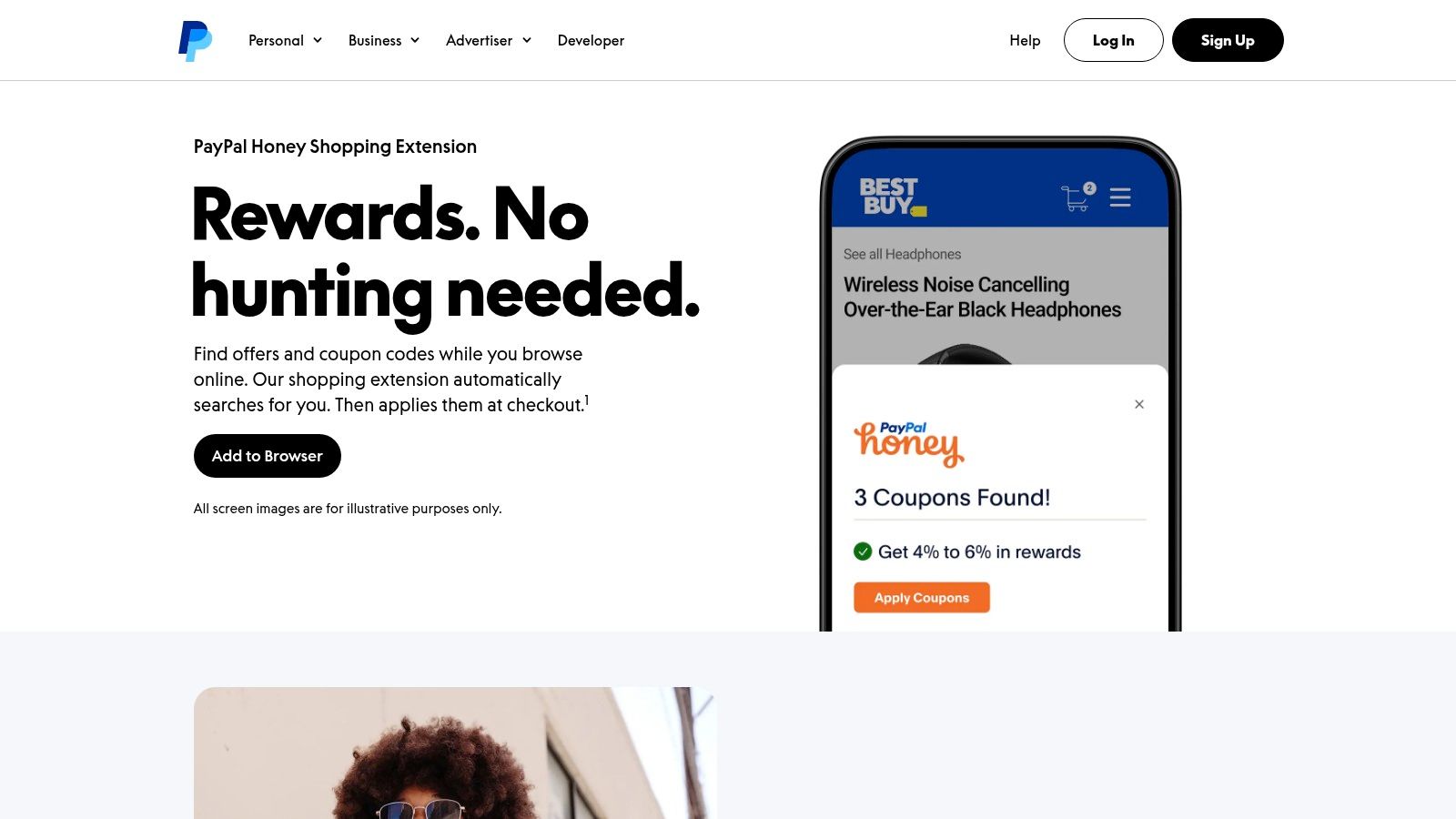
You reach a retailer's cart, realize you forgot a promo code, and do not want to search through coupon pages. Honey tests available codes during checkout through its browser extension or mobile experience. It suits shoppers who already know what they want and value a quick checkout check over planning a local shopping route.
Honey also offers Droplist price tracking and Amazon seller comparisons. PayPal integration adds a rewards layer, so eligible users can earn and redeem PayPal Rewards points across Honey and PayPal surfaces. Review the current terms before counting those points as part of your savings.
<a id="use-honey-for-automated-online-checkout"></a>
Use Honey for automated online checkout
Set up Honey before shopping, then apply its tools at the point of purchase:
- Automatic code testing: At checkout, let Honey test supported promotional codes and apply a working option when available.
- Price monitoring: Add a product to Droplist if you can wait for a lower tracked price.
- Marketplace comparison: Check Amazon seller comparisons before accepting the first listed offer.
- PayPal Rewards: Confirm the current rewards terms, redemption rules, and eligibility before valuing the points.
Honey's convenience has limits. It cannot create a valid code when a retailer has not supplied one, and results depend on partner support and available promotions. Feature names, branding, and program terms may change, so read the offer details before paying.
For a purchase that starts locally, check AIR.POG for a nearby promotion that fits your route, then use Honey when the transaction moves online. That workflow separates discovery from checkout automation. This guide to deal-finder apps covers the discovery side, while Honey handles code testing at checkout.
Check the latest product details on PayPal Honey's official page before relying on a particular rewards or price-tracking feature.
<a id="3-capital-one-shopping"></a>
3. Capital One Shopping
Before accepting the first Amazon listing, Capital One Shopping can surface alternate sellers, price differences, and community-sourced codes in one pass. Check those results before committing an item to your cart. Its browser extension and mobile app support this comparison workflow, and you do not need a Capital One bank account or card to use them.
Start on the product page, review alternate sellers and prices, then let the extension test available codes at checkout. This sequence answers two practical questions: Is there a coupon, and is this the best available seller or price? Use it when you have already chosen an online product and want to improve the final price.
<a id="compare-the-marketplace-before-checkout"></a>
Compare the marketplace before checkout
- Check seller options first: Review alternate listings before adding the item to your cart.
- Test community codes: Allow the extension to apply an available code during checkout.
- Read rewards terms: Treat credits as a bonus, and confirm where and how they can be redeemed.
- Compare the final cost: Include shipping, seller differences, and any reward conditions before choosing an offer.
Capital One Shopping's rewards are generally gift-card credits rather than direct cash, which may not suit shoppers who prefer PayPal or bank withdrawals. Some features also have limited availability outside the United States. Rewards and redemption rules can change, so check the current terms before relying on them.
It also serves a different moment from AIR.POG. Use map-based discovery to find a nearby promotion while moving through an area, then use Capital One Shopping when that purchase shifts to an online marketplace. For a wider view of tools covering different purchase stages, read this comparison of shopping apps. Visit Capital One Shopping's official website to install the extension or explore its mobile experience.
<a id="4-rakuten"></a>
4. Rakuten
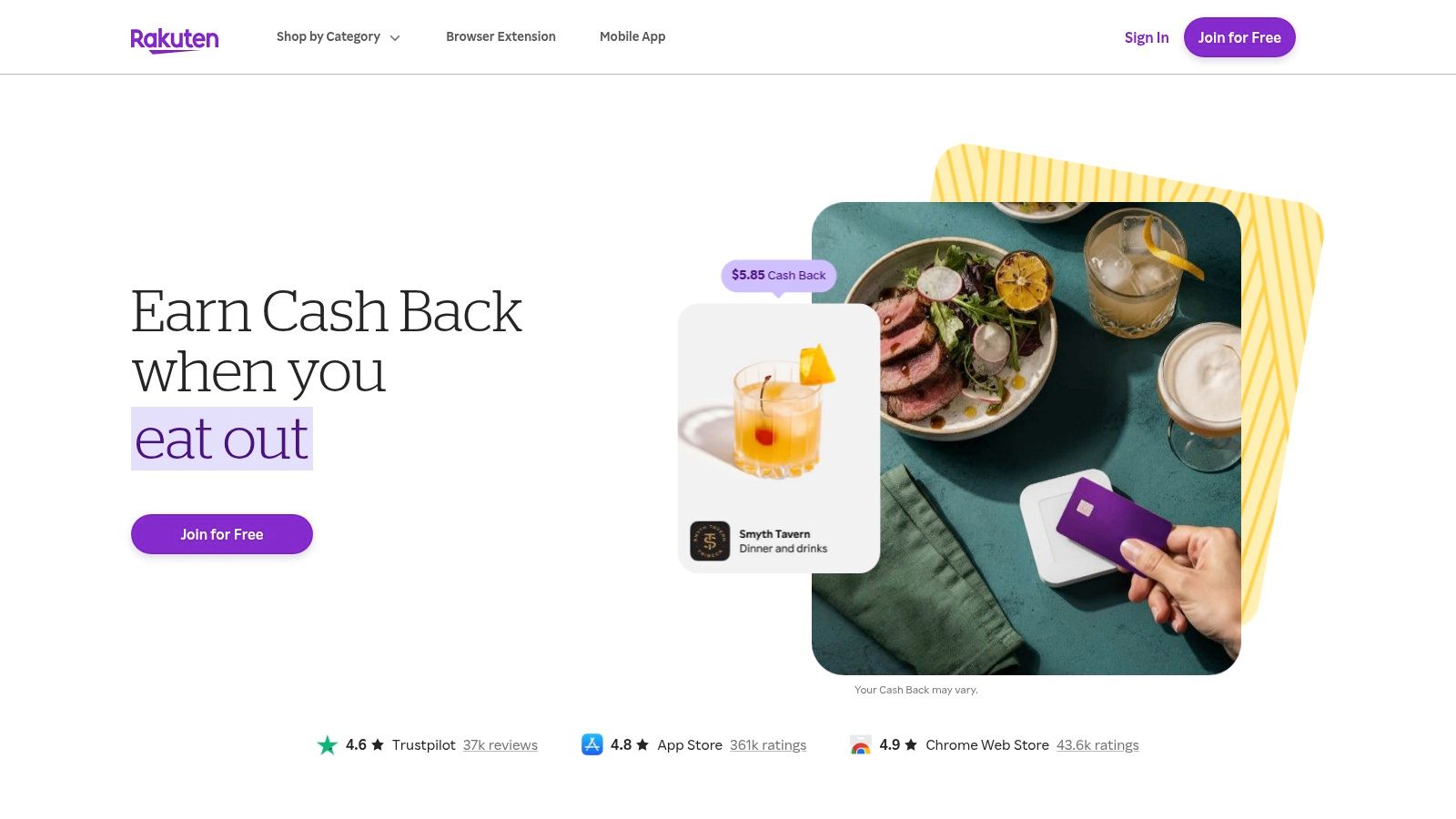
You have chosen an online purchase, the retailer is participating, and you want cash back tracked from the start. Open Rakuten's official cash-back portal before visiting the store, activate the offer, then complete the order in the same session. Rakuten combines retailer coupons with portal cash back through its website, app, and browser extension.
That sequence suits planned purchases from major retailers. Rakuten also supports eligible in-store, card-linked offers, though the online portal remains its clearest workflow. The trade-off is strict tracking. An outside promotional code can cancel cash back, even when it lowers the immediate order total.
<a id="protect-the-cash-back-credit"></a>
Protect the cash-back credit
Use these checks before placing the order:
- Activate before shopping: Open the retailer through Rakuten or select the extension's activation prompt.
- Compare the combined value: A sale plus eligible portal cash back can beat a larger coupon that prevents tracking.
- Review code eligibility: Apply a code Rakuten displays when possible, and read the retailer's conditions before using another promotion.
- Check payout timing: Rakuten pays on a scheduled quarterly basis through available options such as check, PayPal, or Amex points.
- Confirm the balance requirement: The plan notes identify a minimum balance of $5.01 before payout. Check the current account requirements before expecting payment.
Keep the activation confirmation and order details until the transaction posts. Tracking problems are easier to address while the purchase record is available.
Rakuten does not locate a live offer two neighborhoods away. Use AIR.POG to find a nearby promotion while you are moving through an area, then use Rakuten when the purchase shifts online and the merchant supports eligible cash back.
<a id="5-retailmenot"></a>
5. RetailMeNot
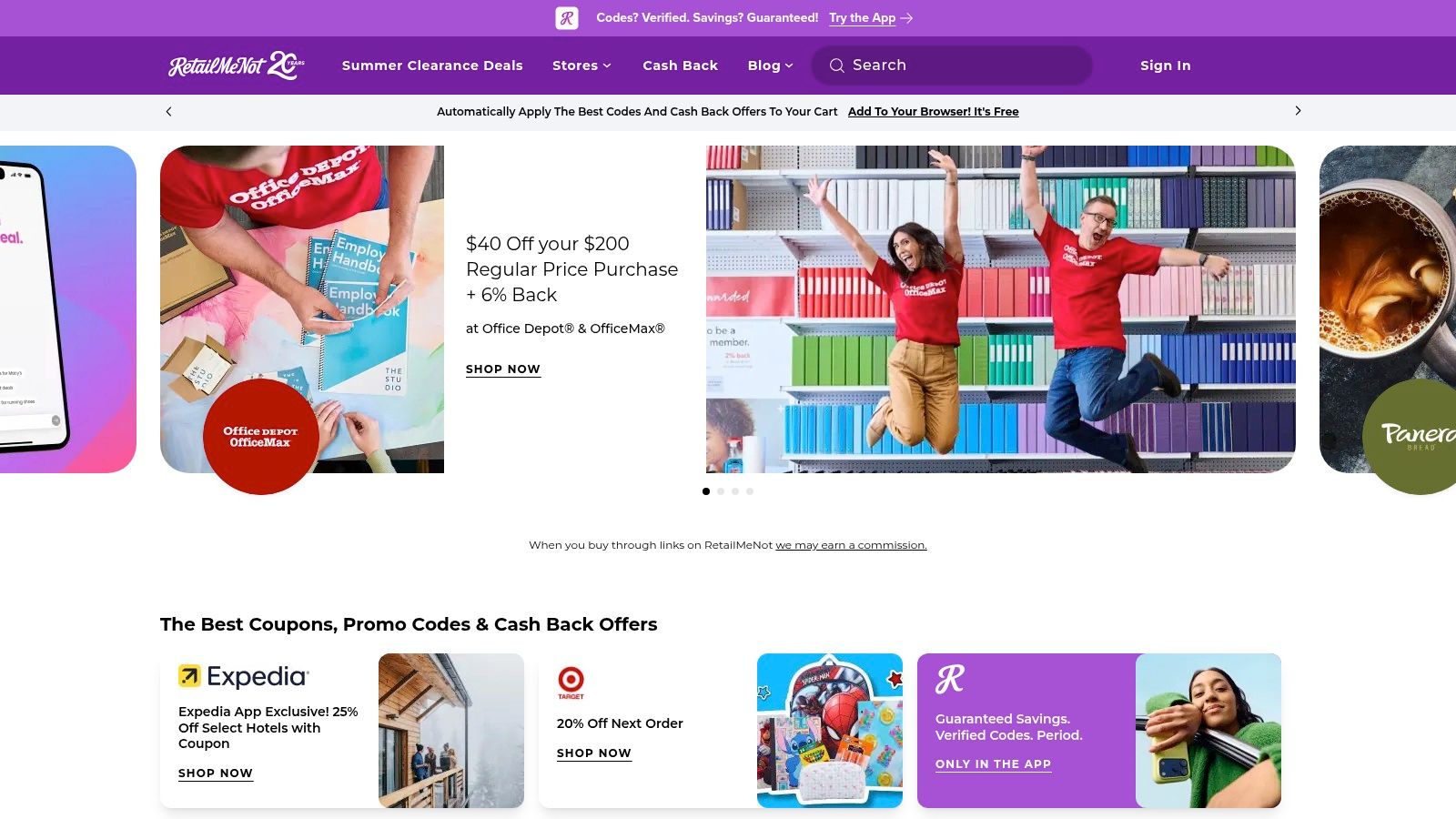
You reach checkout with a promising price, but the code box still needs an answer. RetailMeNot lets you search the retailer, compare sitewide offers, review promo conditions, and check available cash-back terms before applying anything. Its mobile app and browser extension collect retailer codes and promotions, while its Rewards program adds cash back where eligible.
RetailMeNot also promotes AI-assisted code discovery and a Working Code Promise. Treat those features as a starting point, not a guarantee. Each offer can set its own product, customer, order-value, or promotional-window requirements. Cash-back rates, caps, and approval periods vary by merchant.
<a id="compare-the-offer-before-you-apply-it"></a>
Compare the offer before you apply it
Search the retailer first. Open the current promotions, read the code details, and check whether activating cash back changes the checkout path. If several codes appear, compare the actual discount and restrictions instead of choosing the largest advertised percentage.
Seasonal events such as Cash Back Day can improve the value when you can adjust your purchase timing. A smaller code with fewer exclusions may beat a larger offer that applies only to selected items.
Read the terms before stacking. A code that works at checkout can still affect cash-back eligibility if the retailer excludes outside coupons.
RetailMeNot handles online offer research, while map-based discovery serves a different moment. Use AIR.POG to spot a nearby promotion while you are moving through an area, then use RetailMeNot when the purchase shifts online and you need code or Rewards details. For another focused look at no-cost coupon tools, visit this guide to the best free coupon apps.
Search current promotions on RetailMeNot's official website, or use its app and extension at checkout.
<a id="6-ibotta"></a>
6. Ibotta
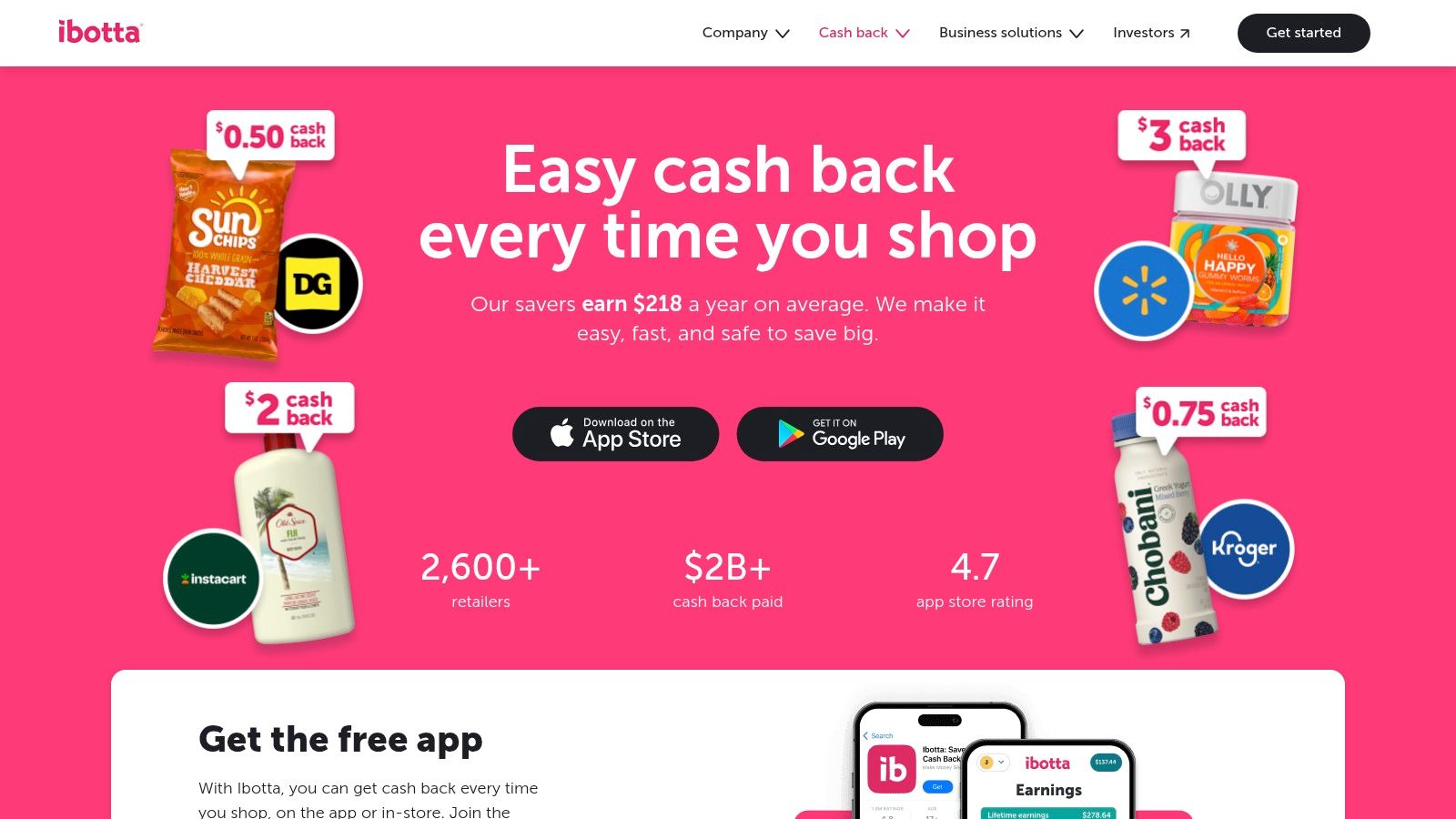
You are heading to the grocery store with a familiar list: cereal, detergent, and a few household staples. Before leaving, open Ibotta and search that retailer's current offers. Activate qualifying rebates, buy the listed products, then submit your receipt or connect an eligible retailer program.
That workflow makes Ibotta distinct from browser coupon extensions. Its manufacturer-funded offers work well when you already buy participating brands and can check the app before shopping. Online offers and a Chrome extension also cover grocery or household purchases made through a website.
<a id="build-the-rebate-habit-before-checkout"></a>
Build the rebate habit before checkout
Ibotta rewards preparation. Search by store or product, then verify the qualifying brand, size, flavor, package, and purchase conditions. After checkout, follow the receipt-submission or retailer-account instructions exactly.
- Activate first: Buying the right product does not guarantee credit if the offer was not activated.
- Check product details: Brand, size, flavor, and package requirements can determine eligibility.
- Save proof of purchase: Scan the receipt or use the supported retailer connection when required.
- Choose a payout route: After qualifying conditions are met, available options include bank transfer, PayPal, and gift cards.
The first withdrawal requires meeting Ibotta's current minimum balance, and the first redemption may involve a short wait. That makes Ibotta a poor fit for instant register savings. Check the current offer and payout requirements before planning around a rebate, since retailer handoffs and terms can change.
Use AIR.POG while deciding where to stop, then open Ibotta before buying groceries at that location. The two tools serve different steps: AIR.POG supports place-based discovery, while Ibotta adds product-specific rebates. Review the current process on Ibotta's official website.
<a id="7-slickdeals"></a>
7. Slickdeals
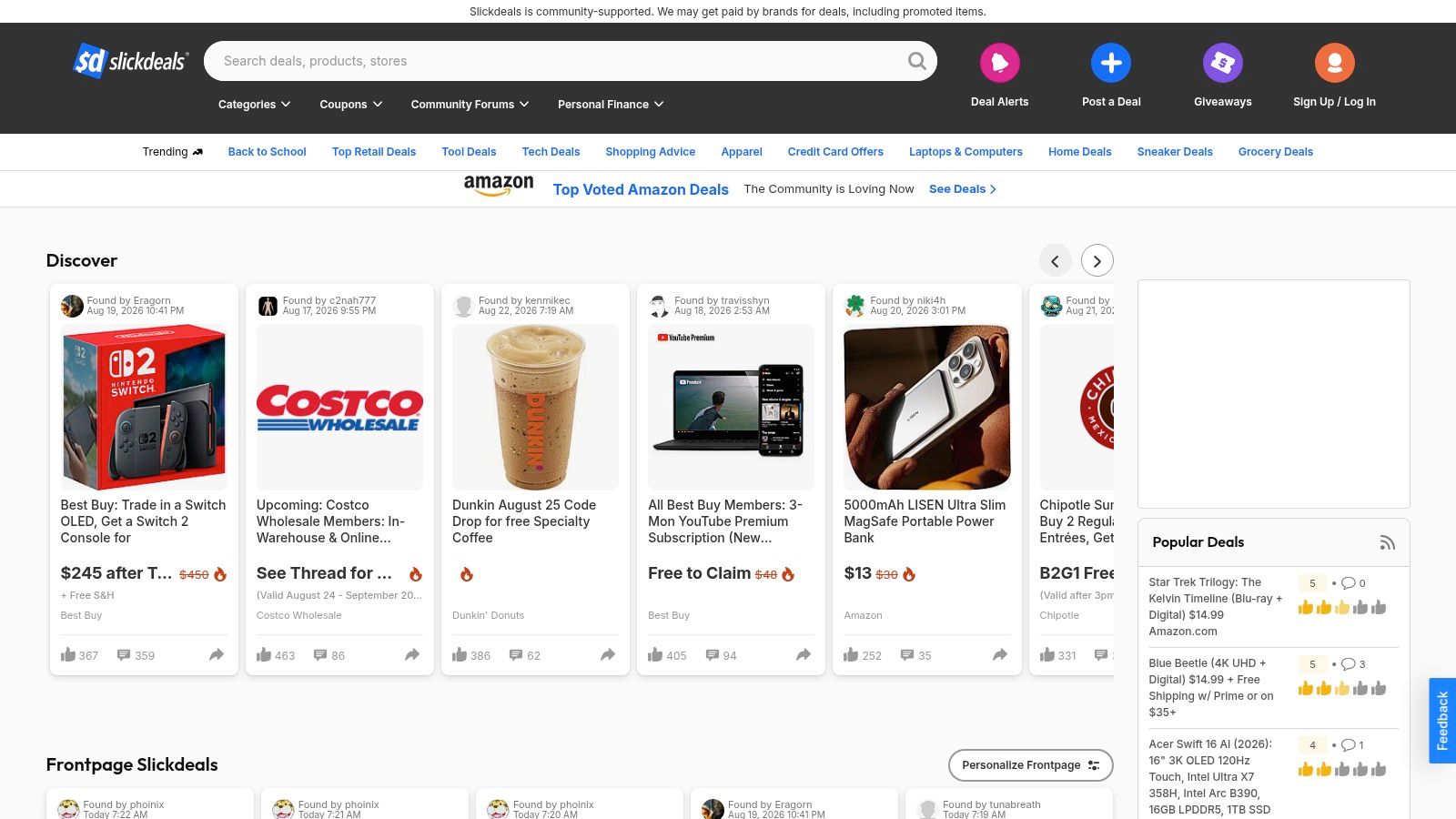
Slickdeals is the best choice for community-vetted deals and fast-moving alerts. Users post, discuss, vote on, and monitor offers, while the platform's front page and store-specific coupon areas help surface deals that the community considers worth attention.
The browser extension can detect coupons and deals while you shop. Mobile alerts and price tracking make Slickdeals useful when you're willing to act quickly, especially for limited-time promotions that may disappear before a routine coupon search finds them.
<a id="let-the-community-filter-the-noise"></a>
Let the community filter the noise
Slickdeals isn't limited to traditional coupon codes. A strong deal may be a sale, bundle, clearance offer, pricing error discussion, or retailer promotion. That wider scope is its advantage, but it also means you must read the thread and verify the final terms yourself.
- Check recent activity: A deal with fresh comments is more useful than an old listing with no current confirmation.
- Read the conditions: Shipping costs, membership requirements, quantity limits, and exclusions can change the actual value.
- Set targeted alerts: Track retailers, products, or categories you regularly buy.
- Move quickly when appropriate: Community-vetted bargains may expire or sell out before you return.
Slickdeals requires more browsing and judgment than Honey or Capital One Shopping. In exchange, you get human curation and discussion that can expose opportunities an automated code tester won't find.
Use it for online and broad-market deal monitoring, then use AIR.POG when the question is local: What can I save near this route or destination right now? Explore current alerts and deal discussions on Slickdeals' official platform.
<a id="top-7-coupon-apps-comparison"></a>
Top 7 Coupon Apps Comparison
| Item | Implementation Complexity 🔄 | Resource / Speed ⚡ | Expected Outcomes 📊 | Ideal Use Cases 💡 | Key Advantages ⭐ | |---|---:|---:|---|---|---| | AIR.POG | Medium, real-time geolocation, mapping, PWA + listing backend | Low–Moderate device impact; fast PWA startup; server for live listings | High local relevance when merchants/users participate; time-sensitive discovery | Drivers, commuters, tourists, students, local bargain hunters | ⭐ Map-first, one-tap route + deal flow; privacy-forward PWA; live nearby promotions | | PayPal Honey | Low, browser extension + mobile integrations | Lightweight extension; minimal local resources; quick at checkout | Consistent small savings via auto-applied codes and price tracking | Online shoppers completing web checkouts across many stores | ⭐ Hands-off coupon application; integrates with PayPal Rewards | | Capital One Shopping | Low, extension + mobile app; coupon/price-compare logic | Lightweight; fast price checks (especially Amazon) | Better price discovery and coupon auto-tests across retailers | Frequent online shoppers, Amazon users | ⭐ Strong Amazon price checks; available to all users (no card required) | | Rakuten | Medium, portal + extension + card-linked/in-store integrations | Moderate backend for cash-back tracking and payouts | Cash-back earnings with scheduled payouts; good stacking potential | Big-ticket purchases, planned online shopping | ⭐ Broad merchant coverage; reliable cash-back network and payouts | | RetailMeNot | Low–Medium, coupon aggregation + AI-assisted discovery | Moderate (AI/code validation); responsive extension/app | Large coupon/code discovery and periodic cash-back boosts | Coupon hunters, seasonal sale shoppers | ⭐ Massive code catalog; AI-assisted "working code" discovery and events | | Ibotta | Medium–High, receipt OCR, retailer integrations, app + extension | Higher due to receipt processing and partner integrations | Strong grocery/CPG rebates and manufacturer offers; payout thresholds apply | Grocery shoppers, everyday essentials buyers | ⭐ Best-in-class grocery rebates; multiple withdrawal options | | Slickdeals | Low, community platform + extension and alerting | Lightweight; relies on community moderation and feeds | Timely, community-vetted deals and real-time alerts | Deal hunters who act quickly on limited-time offers | ⭐ Crowd-vetted bargains and active alerts reduce expired/poor deals |
<a id="build-a-coupon-workflow-that-fits-the-trip"></a>
Build a Coupon Workflow That Fits the Trip
The best coupon apps don't all solve the same problem. AIR.POG should be your first stop when you're driving through a neighborhood, commuting past local businesses, or exploring an unfamiliar destination. Scan the route or destination, adjust the radius, open a nearby offer, and decide whether the savings justify the stop.
Use Honey or Capital One Shopping when you're already at an online checkout. Honey is the better fit for automatic code testing with PayPal-related rewards, while Capital One Shopping is stronger when marketplace price comparisons and alternative sellers matter. Choose Rakuten before an eligible online purchase when portal cash back is the priority, and activate it before sending the order through to the retailer.
Check RetailMeNot when you want to search for promo codes and cash-back terms across a broad set of retailers. For groceries and household products, open Ibotta before shopping, activate qualifying rebates, and keep the receipt or retailer confirmation needed for redemption. Use Slickdeals when community discussion, alerts, and fast-moving bargains are more valuable than a single automated coupon test.
A simple stacking process helps prevent missed rewards:
- Confirm eligibility: Check product, retailer, location, expiration, and redemption conditions before paying.
- Activate cash back early: Start through the relevant portal or app before opening the retailer.
- Avoid unapproved outside codes: An external code can interfere with portal cash-back tracking.
- Save receipts when required: Grocery rebate apps may need a receipt or linked retailer account.
- Compare travel time: A nearby offer only makes sense when the route, fuel, parking, and time still support the savings.
- Keep the workflow focused: Use one tool for the purchase stage in front of you instead of opening every app for every transaction.
Digital coupon behavior is firmly mobile-first. Capital One Shopping's coupon research reports that 93.5% of digital coupon users redeem on smartphones, compared with 41.9% who use tablets, while discovery happens through mobile apps, search engines, and coupon websites. That mix supports a practical approach: don't force one app to handle every stage.
The strongest combination depends on your priority. Choose AIR.POG for immediacy and local discovery, Honey for automation, Capital One Shopping for price comparison, Rakuten for portal rewards, RetailMeNot for code breadth, Ibotta for grocery rebates, and Slickdeals for community-vetted opportunities. The right workflow saves time as well as money, because a coupon that takes too long to find or redeem can become its own inconvenience.
Visit AIR.POG to find live, nearby promotions on an interactive map and connect a deal directly to navigation. Use its radius controls, POG REELS, POG'ODEX, Ask AIR.POG, and POGZILLA to discover timely local savings that complement your online coupon, cash-back, grocery, and deal-alert apps.
Spread the word — every share brings more POG'rs to the map. 🎯
Got a story or tip?
